As a repair center grows past one or two people, access control stops being optional. A front-desk staff member handling customer intake doesn't need the same access as a technician updating repair status, and neither of them should be able to change subscription billing.
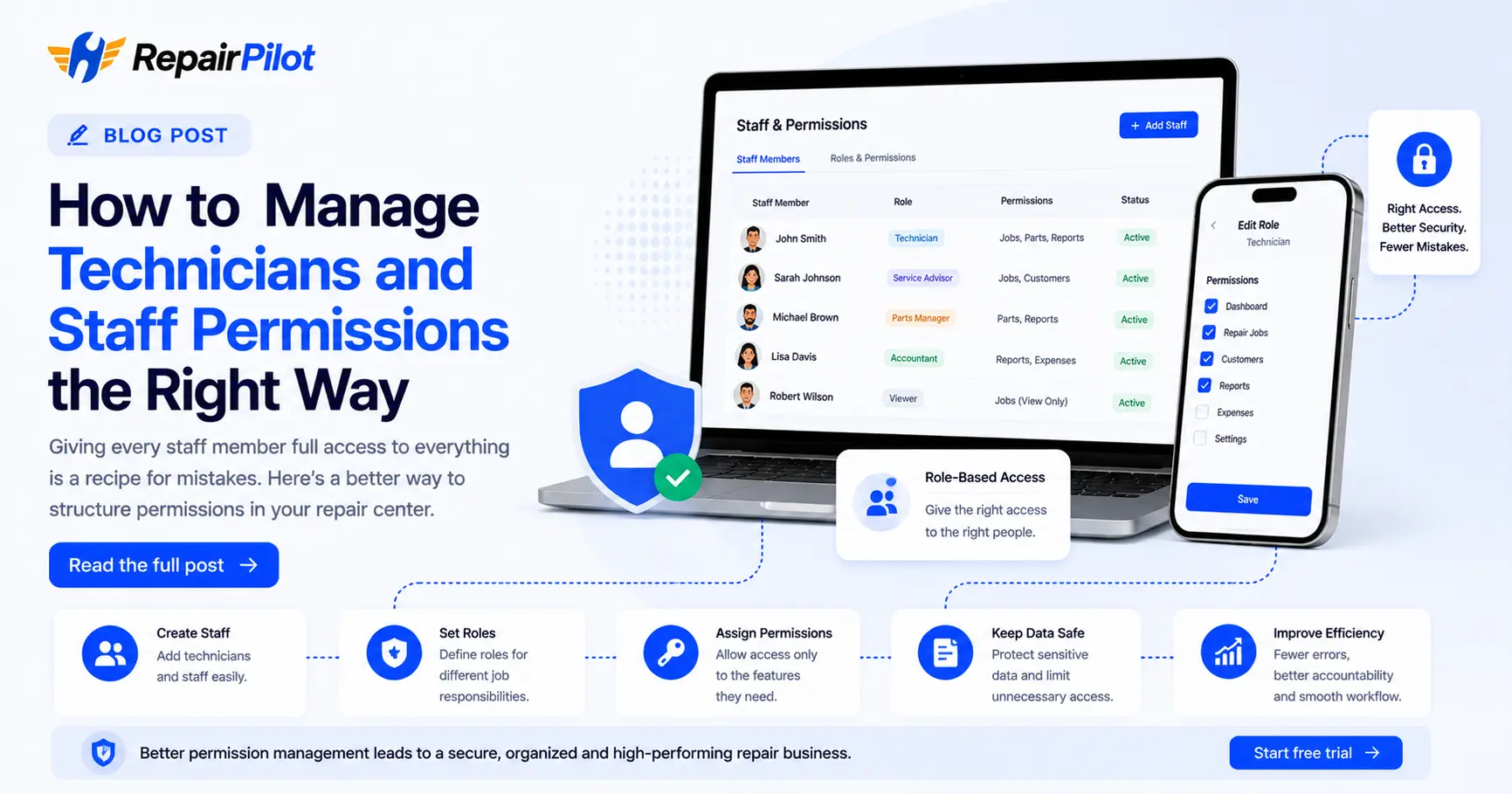
The simplest approach is role-based permissions: define a small number of roles — such as Technician, Front Desk, and Manager — and assign specific permissions to each one, like managing repair jobs, managing spare parts, or viewing reports.
This does two things. It reduces accidental mistakes, since staff only see the tools relevant to their job. And it protects sensitive data — financial reports, customer information, and account settings — from being touched by people who don't need access to them.
As your team grows, review roles periodically. What worked with three staff members may need adjusting once you have ten, especially if you start hiring technicians who specialize in specific types of repairs.